Eight cues for
self‑control.
Callulu is a Mac menu bar app. It gives you eight quiet visual cues for a workday: starting, staying with a task, stepping back, and stopping at a reasonable hour.
Download free Mac App Store, free Try the eight cues first
Requires macOS 13 or later. Apple silicon and Intel. Both editions are free.
Callulu runs on a Mac. Share the link with AirDrop, Messages or Mail, and open it there.

What the eight cues do
Each one is a single visual signal with one job, shown under its name in the menu. You can try each of them on this page, drawn with the app’s own geometry, timing and colors at the middle effect strength. None of them starts on its own, and each one stops when you tell it to. Each card also has a recording from a real Mac at the strongest setting.
-
LIGHTNING · Begin
A flash across the screen, like a strike nearby. The signal that work has started.
Watch the recording

-
SHADE · Focus
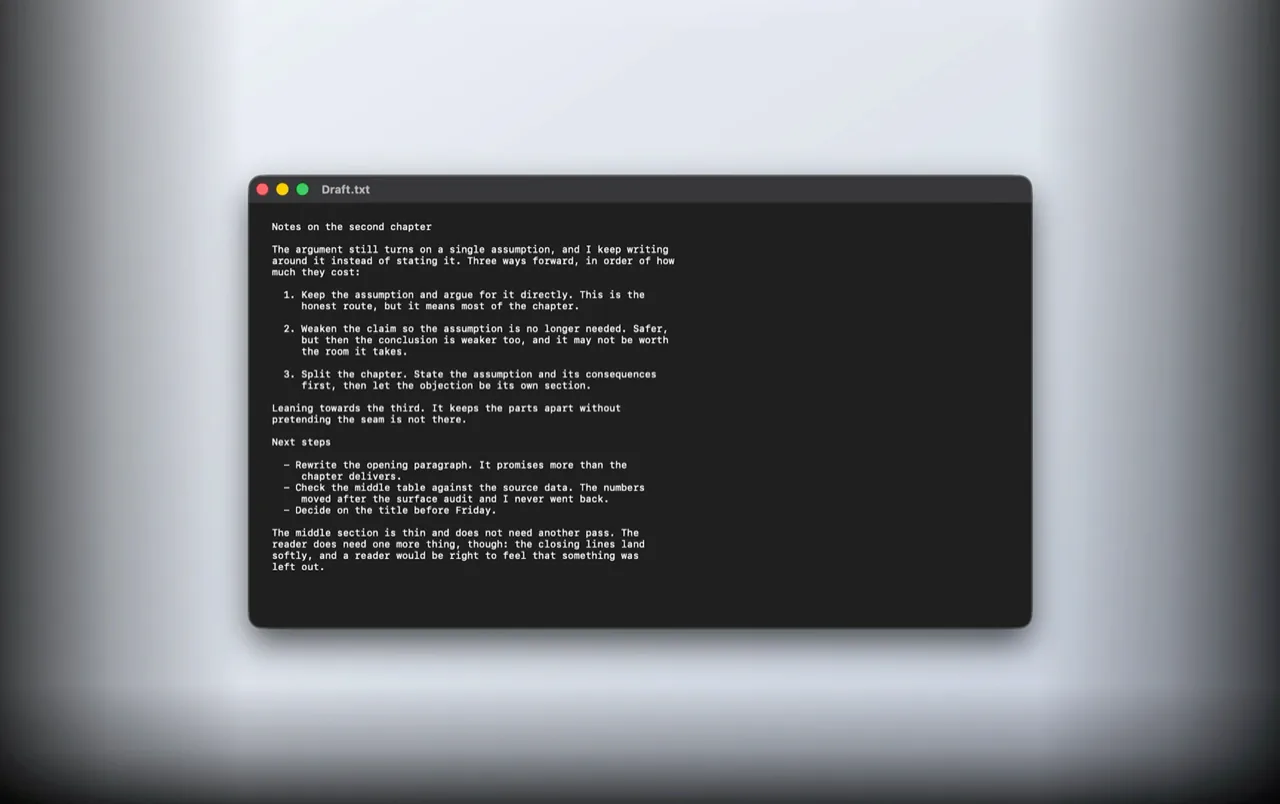
Darkens the menu bar and the left, right, and bottom of the screen, so the center of your work stands alone.
How to dim everything except your work window on a MacWatch the recording
-
WISP · Pause
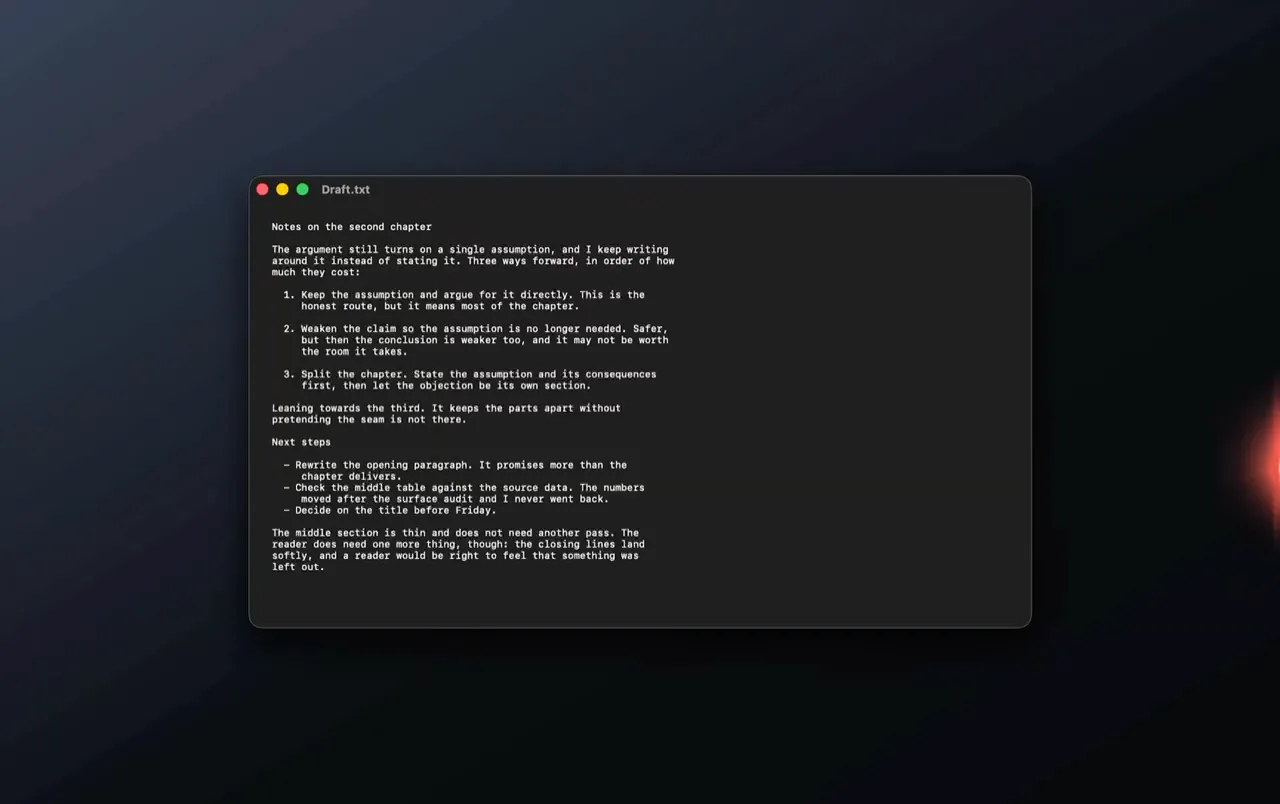
A light passes along the edge of the screen for one second, at an interval you choose, to catch you when you have gone too far into something.
A break reminder for Mac that doesn't nagWatch the recording
-
EMBER · Feel Safe
A quiet, gently shifting light stays lit at the edge of the screen. Company for a long stretch of work.
Watch the recording

-
UNDINE · Regain Composure
A water surface passes across the screen, a cue to return to calm.
Watch the recording

-
LULL · Step Back
An eye appears, for looking at yourself and the situation from one step away.
Watch the recording

-
SYLPH · Reset
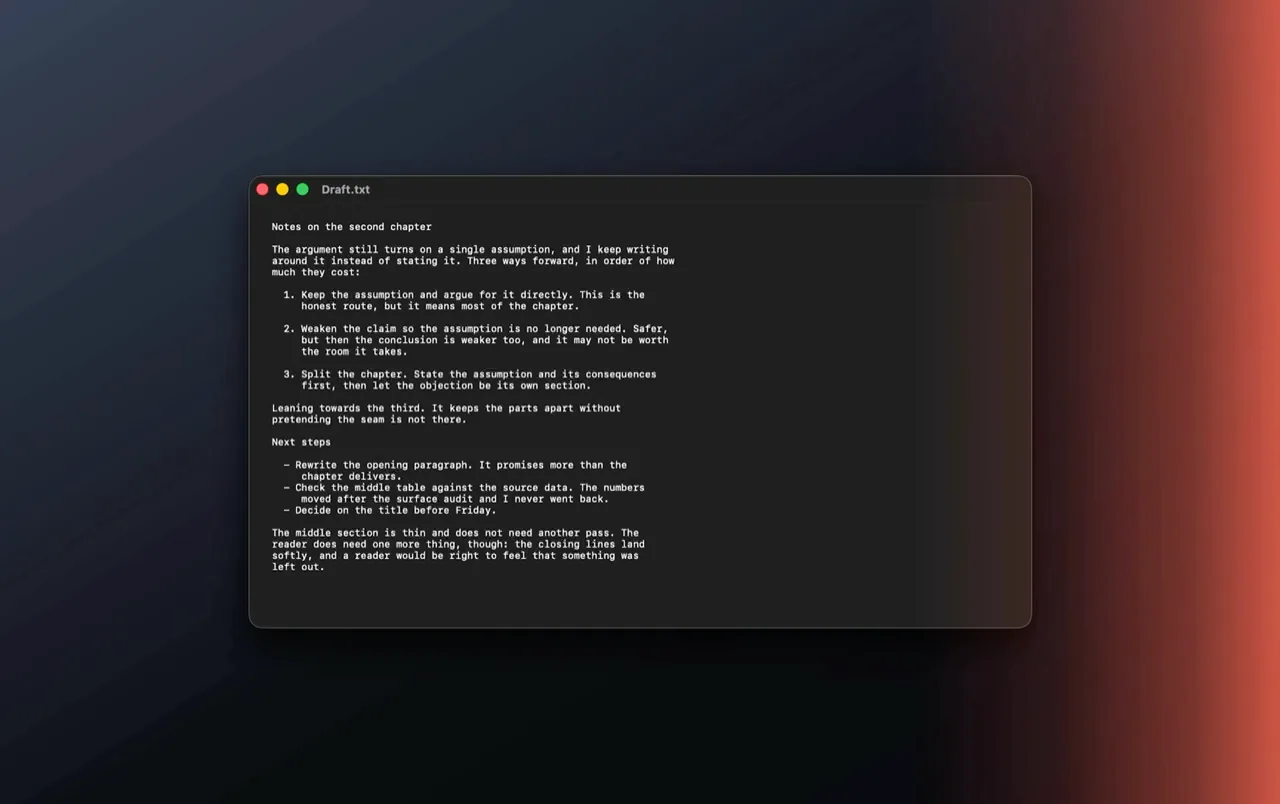
A deep breathing guide.
Watch the recording
-
LUNA · Finish
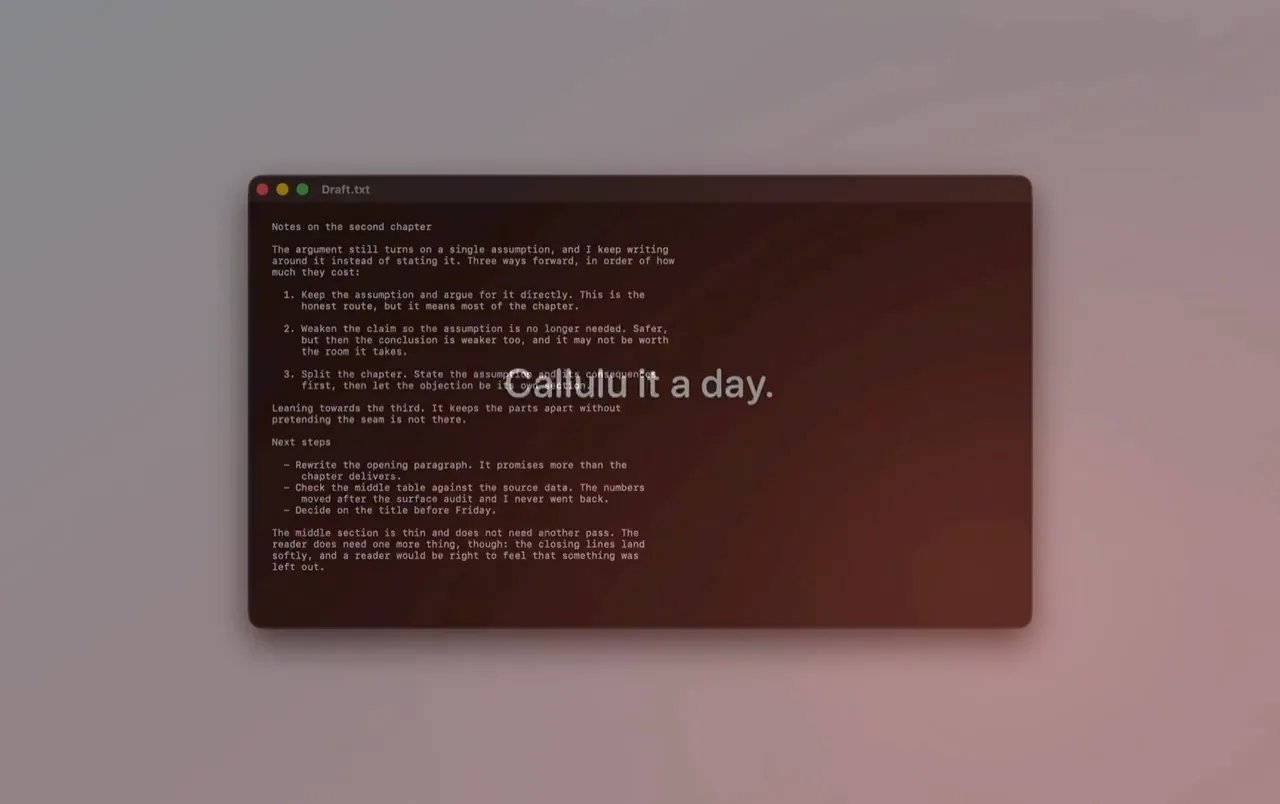
Softens the whole screen as the signal to end the day.
How to stop working at night, with a cue instead of a ruleWatch the recording
Settings

Fit it to how you work
Set once from the menu. The same in both editions.
- LUNA at a set time. LUNA can appear on its own at the same time every day, at a time from the list or one you enter.
- WISP interval. Enter hours and minutes: anything from one minute to a whole day.
- Start a cue from another app. Callulu answers
callulu://links, so the Shortcuts app, Raycast, Alfred, a Stream Deck, or one line in Terminal can run one:callulu://shade/on.
Two editions
The eight cues, the settings, and the privacy position are identical in both. They differ in one thing: whether you can run a cue from the keyboard without opening the menu.
Direct from nowthy
Callulu Full
- Everything in the App Store edition
- Run any cue from the keyboard. Assign ⌘ and ⇧ patterns to seven of the eight, without opening the menu
- Three sensitivity levels, so the patterns fit how fast you type
- The keyboard backlight follows LIGHTNING and then returns to where it was
- Notarized by Apple and delivered directly
Gumroad opens here on this page. Enter 0 as the price to get it free, or pay what you like. Gumroad asks for an email address.
Mac App Store
Callulu
- All eight cues
- Effect strength, screen position, accent color, sound
- Start at login
- Reviewed by Apple; updates handled by Apple
- Runs in Apple's sandbox
- No keyboard shortcuts
- No keyboard backlight response
Every cue is free. About Callulu has two tips, a cup of coffee and a bag of coffee. Buying one changes nothing inside the app.
| Keys | Cue |
|---|---|
| Left ⌘ twice | LIGHTNING · Begin |
| Right ⌘ twice | UNDINE · Regain Composure |
| Both ⌘ together | SYLPH · Reset |
| Left ⇧ twice | EMBER · Feel Safe |
| Right ⇧ twice | LULL · Step Back |
| Both ⇧ together | LUNA · Finish |
| Right ⌘ + Right ⇧ | SHADE · Focus |
Keyboard shortcuts need macOS Input Monitoring permission, which is why they cannot ship in the App Store edition. Apple's sandbox does not allow it. You grant the permission yourself and can revoke it at any time. Key events are read only to match the patterns you assigned. They are never stored or sent anywhere.
Both editions are free. The direct edition is downloaded here through Gumroad, the Mac App Store edition from Apple.
Where your settings live
Your settings are stored in your user preferences on your own Mac, and that copy is the only one. Callulu keeps no history of the cues it has shown.
The direct edition, downloaded from nowthy, contains no purchase code and makes no network connections of any kind.
In the Mac App Store edition, the prices of the two tips and any tip you buy go through Apple's own account and payment system.
A note on light. LIGHTNING produces a brief flash across
the whole screen, and several other cues change the brightness of the
display. If you are sensitive to flashing light, or have a condition
affected by it, leave LIGHTNING alone. It flashes only when you run it,
whether from the menu, a callulu:// link, or the keyboard shortcut in
the direct edition, and it never starts on its own.
The cues that stay on can be switched
off individually, one switch at the top of the menu stops all of them,
and the effect strength can be lowered.
Support
For questions, problems, or ideas, write to support@nowthy.com. Please include your macOS version and which cue was involved.
- A cue did not appear.
- Check that the cue is switched on in the menu, and that the master switch at the bottom of the list is on. If an effect is too faint to see, raise Effect Strength in Settings.
- Can I turn everything off without quitting?
- Yes. The switch beside “Turn All On/Off” disables every cue at once.
- Does Callulu keep running after I close the menu?
- It stays in the menu bar. Cues only appear when you run them, or, in the case of WISP, at the interval you set.
- Where are my settings stored?
- In your user preferences on your own Mac. Nothing is synced or uploaded.
Notes
Short notes on working at a Mac: starting, focusing, pausing, and stopping.
- Callulu · GuideA breathing guide on your Mac, and what to check in oneSeptember 17, 2026
- Callulu · Maker's noteEight cues in a Mac menu bar, for staying who I amSeptember 16, 2026
- Callulu · Technical noteHow to check whether a Mac app makes network connectionsSeptember 13, 2026