A privacy policy is a sentence somebody wrote. A compiled binary is a set of instructions that runs whether or not the sentence is true. On macOS you do not have to take the two on faith. Activity Monitor, nettop, and a couple of command-line tools built into the operating system will tell you, at different levels of confidence, whether a given app has ever opened a socket.
What a policy can't tell you
A policy describes intent. It says what a company plans to do, and changing it costs nothing, since it is text on a webpage that can be edited at any time. A binary describes capability: what the compiled code is able to do, given the frameworks it links against and the permissions macOS grants it. The two only match if someone checked, and a policy on its own gives you no way to check.
Notarization does not fill that gap. Apple's notary service confirms that a binary is signed and free of a known set of problems; it says nothing about whether the code inside opens a network connection. An app can be fully notarized, run without a single warning, and still phone home on launch. Notarization is about the packaging, not the behavior.
Watching a running app without installing anything
Three tools already on every Mac answer the "is it doing it right now" question, each with a different blind spot.
Activity Monitor's Network tab lists bytes sent and received per process, refreshed every few seconds. It will read zero for a process that made no connection during the sampling window, but a connection that opens and closes between two samples can pass through without the counter ever moving. It also has no way to show which line of code opened the connection or where the data went.
nettop, run from Terminal, updates continuously rather than on a fixed interval, which is enough to catch a short-lived connection Activity Monitor's window might miss. nettop -p PID narrows the output to one process, once you have the process ID from Activity Monitor; plain nettop lists everything and you find the process name in the columns. It shows the remote address for anything currently open, which is more detail than Activity Monitor gives, but a process that has never opened a socket produces no output either way. nettop is good at catching a connection in the act, not at proving one never happens.
Console.app shows nothing network-specific by default, but it catches an app trying and failing. A sandboxed app that App Sandbox refuses a connection to logs the refusal there, and a binary that fails to link a framework it expected at launch logs that failure too. Filtering Console by process name turns up both, if either happens.
Reading the binary itself
Watching a running process only tells you about that one run. Reading the binary tells you about every run, because the code that would open a connection was either compiled in or it was not.
otool -L /Applications/AppName.app/Contents/MacOS/AppName lists every dynamic library and framework the executable links against. Foundation and AppKit show up in almost every macOS app and prove nothing on their own. What is worth noticing is a framework with no other reason to be there: Network.framework, CFNetwork linked directly rather than pulled in through Foundation, or the name of a third-party SDK.
nm -u on the same binary lists its undefined symbols, the names the app's own compiled code calls directly and expects the dynamic linker to resolve at launch. It only shows what the app itself references, not what a linked framework does on its own. A third-party SDK that opens a connection from a background thread, without your own code ever calling it, puts nothing in your app's undefined-symbol list, because the call site lives in the SDK's binary, not in code compiled from your source. A framework name turning up in otool -L is closer to evidence of that possibility than anything nm will show you directly.
How Callulu is built to make this checkable
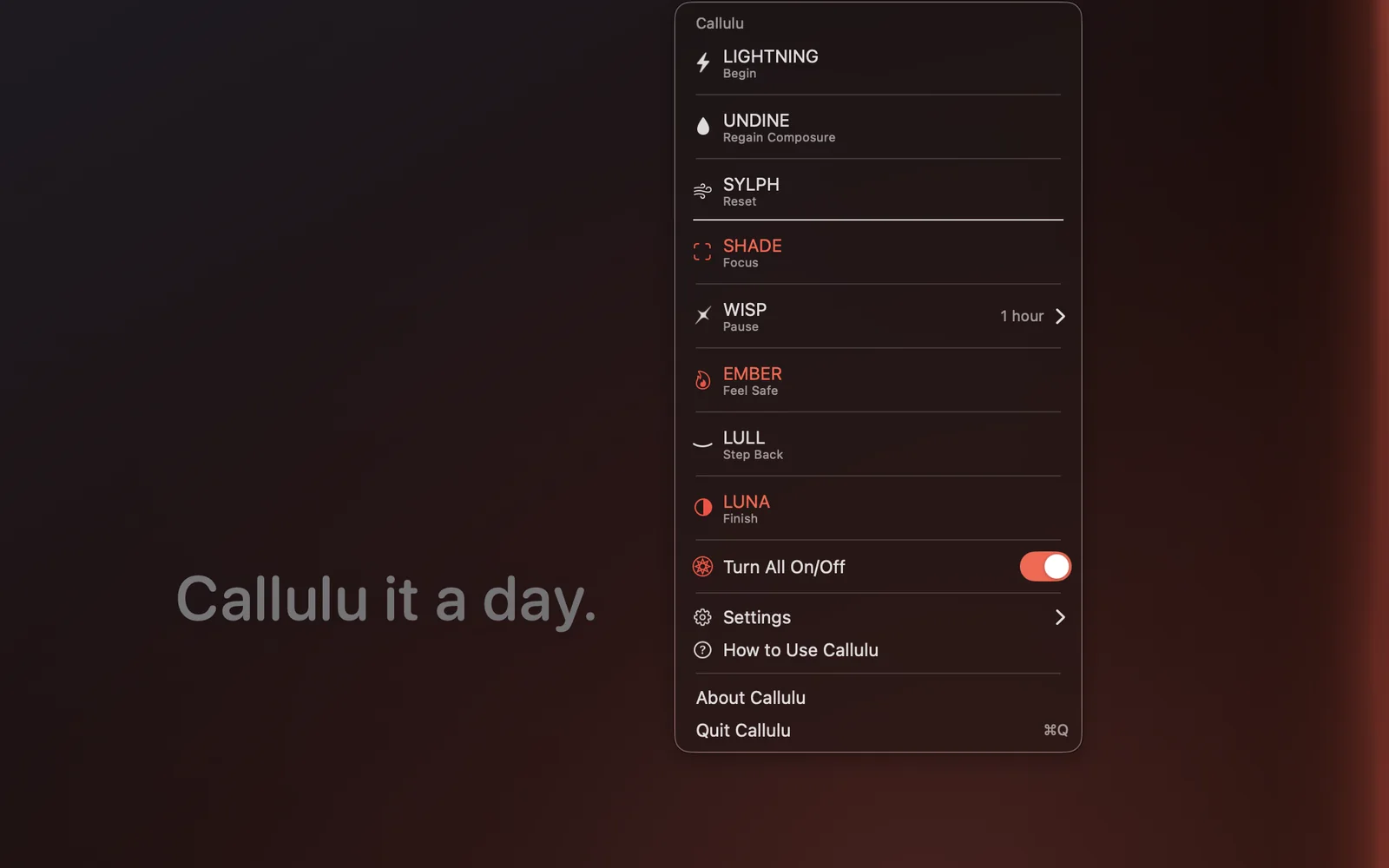
Callulu's build script runs a version of this same check on itself before it ships. The Mac App Store edition is compiled with the keyboard-shortcut listener and the keyboard-backlight code left out entirely, and before the build will sign that edition, the script runs nm looking for _CGEventTapCreate and strings looking for the text CoreBrightness. It refuses to sign if either turns up. That is the same category of check described above, run automatically instead of by hand.
Applied to networking: otool -L on Callulu's direct edition, the one sold through Gumroad, shows no framework beyond what AppKit and Foundation pull in by default, and nm -u on that binary shows nothing resembling a call to open a connection, because that edition carries no purchase code and nothing else in Callulu needs a network path. It makes no network connection of any kind. The Mac App Store edition does link StoreKit.framework, because unlocking the app is a purchase, and a purchase made through the Mac App Store runs through StoreKit. nm -u on that binary still shows no connect or URLSession call written into Callulu's own code: the framework is there to hand the transaction to a separate process that macOS runs on the app's behalf, not for Callulu to talk to a server itself.
What a clean result doesn't prove
None of this promises an app will always behave this way. A binary can be rebuilt with networking added in the next release, and nothing about today's otool -L output binds tomorrow's. That is not a reason to skip the check, only a reason to read it as a statement about the copy you are currently running, not about every copy that will ever carry the same name.
It also does not cover every path data can take off a Mac. A file written to iCloud Drive, or picked up by a Share Sheet extension, or exported into a folder that something else uploads, can leave the machine without the app you are inspecting ever opening a socket of its own. None of that shows up in otool, nm, or nettop, because none of it is a network call made by the process you are checking.
What the checks above answer, precisely, is whether the compiled code running on your Mac today has a network path built into it. For an app that has none, that is not a claim resting on a policy someone wrote. It is something you can run in a terminal and read for yourself.